

How to Accept Online Payments at Your Restaurant
If customers can't pay you online, you're losing orders you never even see. Here's a plain-English guide to accepting online payments at your restaurant — the methods, the fees, security, and how to get paid without the headache.
How to Accept Online Payments at Your Restaurant
A customer is on your website at 9pm, hungry, cart full, ready to order. They reach the last step and see: “Pay cash on delivery” or “Call us to pay.” And just like that, a chunk of them close the tab. Not because they didn’t want your food — because paying felt like friction, or they simply don’t keep cash anymore.
Accepting online payments isn’t a nice-to-have in 2026; it’s the difference between an order placed and an order abandoned. The good news is that taking card and digital payments has never been simpler or cheaper for a small restaurant. This is a plain-English walkthrough — no jargon — of how it works, what it costs, and how to set it up without the headache.
Why “cash only” is quietly costing you
If you only take cash, or only take payment in person, you’re filtering out real revenue every day:
- Abandoned online orders. People expect to pay for delivery and pickup the moment they order, in a couple of taps. Make them arrange cash and a good share won’t complete the order at all.
- No prepaid pickup. Letting people pay online and collect means their order is locked in and paid before they arrive — fewer flaky pickups, faster service.
- No deposits for bookings. Can’t take a card to hold a big reservation? Then you can’t protect your busiest tables from no-shows.
- Slower everything. Digital payment is faster at the table, faster for delivery, and faster to reconcile at the end of the night. Cash is slow to count, risky to hold, and a pain to bank.
Every one of those is money or time leaking out of your business, quietly, every single day.
The ways customers actually want to pay
You don’t need all of these, but the more you offer, the fewer orders you lose:
- Debit and credit cards. The baseline. Visa and Mastercard online, entered at checkout on your website. Non-negotiable.
- Digital wallets. Apple Pay, Google Pay, and their local equivalents let people pay in one tap with no card typing. They noticeably lift completion rates on mobile — which is where most food orders happen.
- Local and mobile-money methods. Depending on your country, wallets like local mobile-money and bank apps are how a huge share of customers prefer to pay. Offering the local favourite matters more than any global brand.
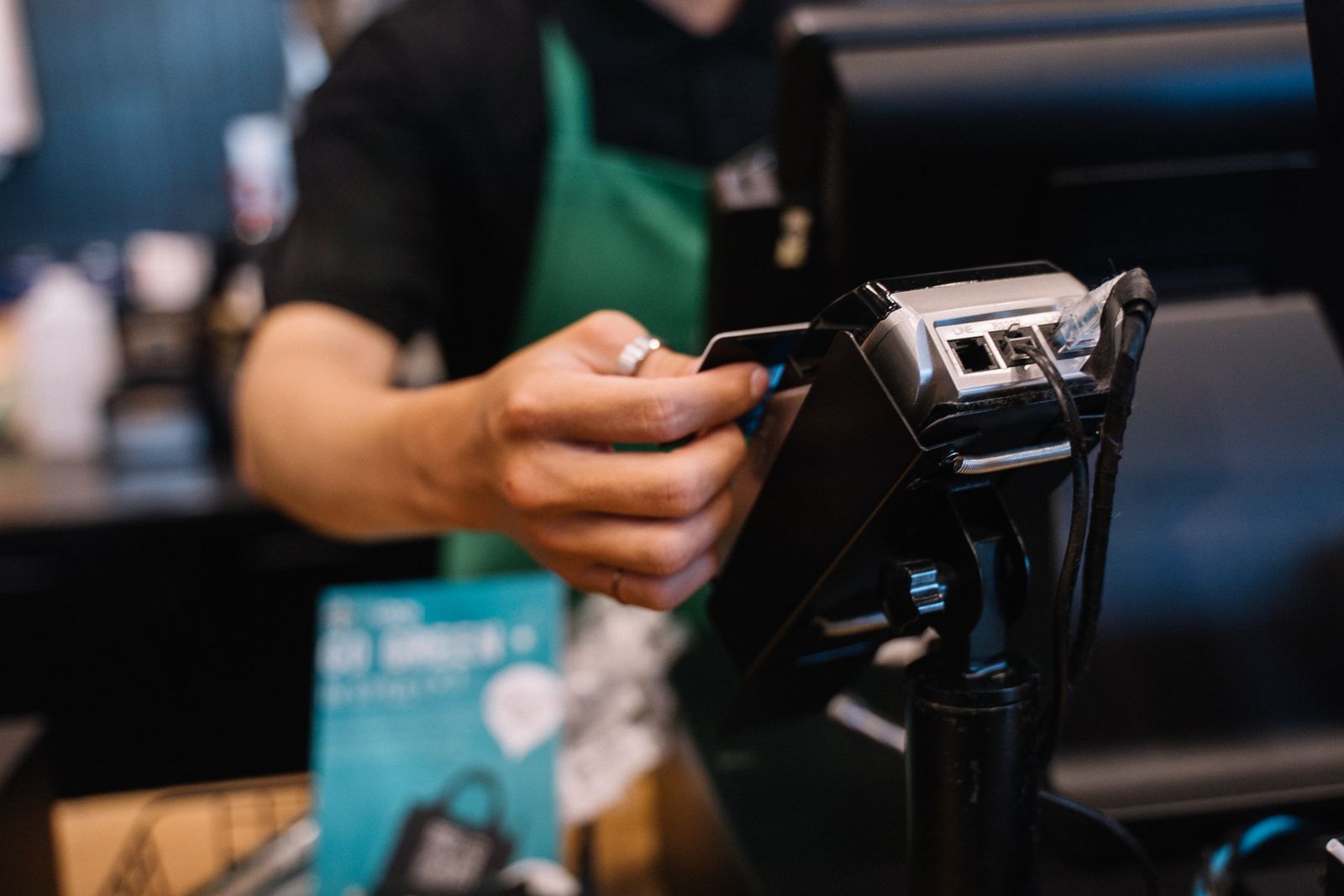
- Contactless in person. For dine-in and pickup, tap-to-pay by card or phone is now expected. Fast, clean, no change to fumble.
How online payments actually work (in plain English)
You don’t need to understand the plumbing, but a quick mental model helps you make good choices. When a customer pays on your site, a payment gateway securely captures their card details, a payment processor talks to the banks to approve the charge, and the money then lands in your account after settlement — usually within a couple of business days.
The important part for you: you don’t build any of this. You connect a payment provider to your website and it handles the whole chain. Modern providers bundle the gateway, processing, and payout into one simple setup. Your job is to pick one and switch it on.
What it costs
Payments aren’t free, but the pricing is simple and predictable once you know the pieces:
- A per-transaction fee. Typically a small percentage of each sale plus a tiny fixed amount — something in the region of a couple of percent per card transaction is normal. You only pay when you get paid.
- Payout timing. Money settles to your bank on a schedule (often 1–3 business days). Faster payouts sometimes cost a little more.
- Watch for extras. Some providers add monthly fees, setup costs, or charges for refunds and chargebacks. A good small-business provider keeps it to a clean per-transaction rate with no surprises.
Here’s the reframe every owner needs: the fee is not a cost, it’s a conversion tool. A ~2% fee on an order you would have lost entirely because the customer couldn’t pay is the best money you’ll spend all week. You’re not paying to process a sale — you’re paying to not lose it.
Security and trust — don’t skip this
Handling payments means handling trust. Get this right and it’s invisible; get it wrong and it’s catastrophic.
- Never store card numbers yourself. Let your payment provider handle and store card data on their secure, compliant systems. You should never see or save a full card number — that’s the provider’s job, and it keeps you out of legal and security trouble.
- Insist on PCI compliance and encryption. Any reputable provider is PCI-DSS compliant and encrypts everything. This isn’t optional; it’s the baseline that protects you and your customers.
- Use a secure checkout (HTTPS). Your site must run on HTTPS with the padlock. Customers won’t type a card number into a page that looks unsafe — and they’re right not to.
- Enable fraud protection. Good providers include tools like 3-D Secure that verify the cardholder, cutting fraudulent orders and chargebacks.
The simplest way to get all of this right at once is to not roll your own — use a website and ordering platform that has payments, security, and compliance already built in.
The easy path: build it into your website
You can stitch together a separate gateway, a merchant account, and a developer to wire it into your site. Or you can use a restaurant platform where online payments are already integrated with your menu, ordering, and bookings — so a customer browses, orders, and pays in one smooth flow, and the money lands in your account. For most independent restaurants, the integrated route is faster to launch, cheaper to run, and far less to maintain.
Take payments the moment you take orders
Lekro builds secure online payments right into your restaurant website — cards, wallets, and local methods — so customers pay in a tap and you get paid without the hassle. Start free.
Your first move
Don’t overthink it. Set up online payment on your ordering page this week, turn on cards plus the one or two digital wallets your customers actually use, and make sure your checkout is secure. Then watch your completion rate — the orders that used to vanish at the last step will start landing instead.
Taking online payments used to be complicated and expensive. It isn’t anymore. In 2026, letting a hungry customer pay you the instant they decide to order is one of the simplest, highest-return upgrades you can make to your restaurant. Don’t leave that money on the table.
Tags