
Contact Details and Location
Add the phone, email, and address customers use to reach you, and drop a pin on the map.
Dashboard only
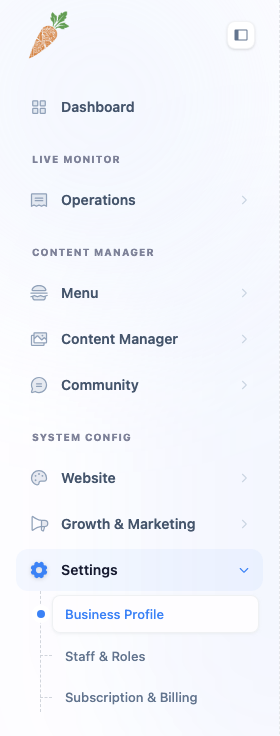
The Contact tab holds the practical stuff: how people get in touch and how they find you.
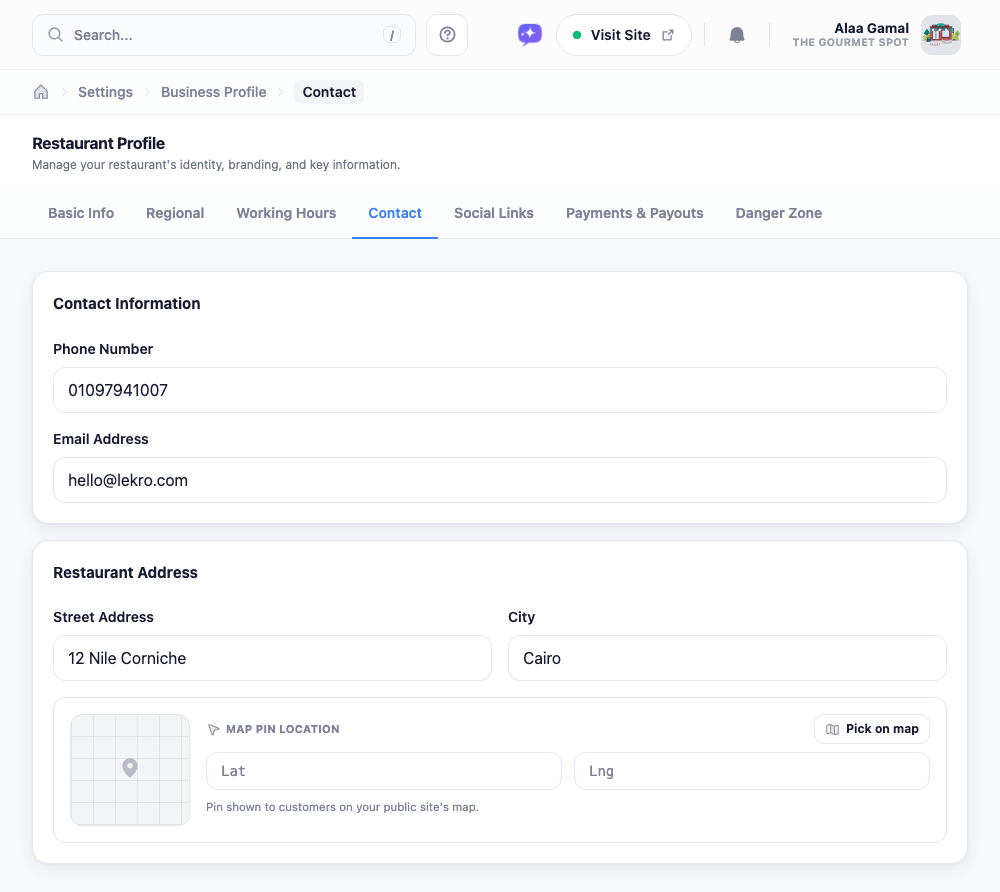
Phone and email
The phone number and email you enter here are the public ones shown on your site. On a phone, the number turns into a tap-to-call link, so use the line you actually want customers ringing, not a personal mobile unless you mean it.
Address and map pin
Fill in your street and city so the address reads properly on your contact page. The map pin is separate from the text address: it’s the marker customers tap for directions, so it’s worth getting right.
If Google Maps is enabled on your account, the quickest way is Pick on map: search or drag the marker to your exact spot and it’ll fill in the coordinates (and often the street and city) for you. Otherwise you can type the latitude and longitude by hand. A pin that’s a block off is more annoying than no pin at all, so double-check it lands on your door.