
Linking Your Social Media
Connect your Instagram, Facebook, TikTok, and other profiles so they show up on your site.
Dashboard only
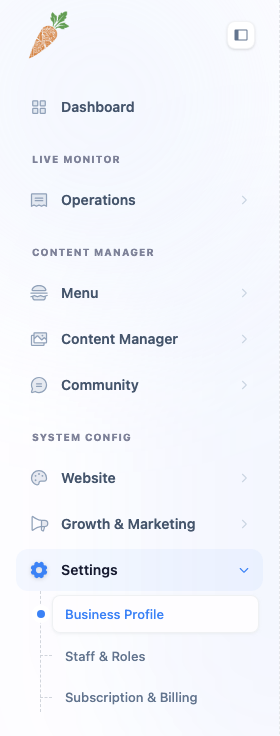
If you put more work into your Instagram than your website, this is the tab that connects the two. The Social tab lists the platforms Lekro supports (Facebook, Instagram, X, TikTok, YouTube, and a catch-all website field) and whatever you fill in shows up as a link on your public site.
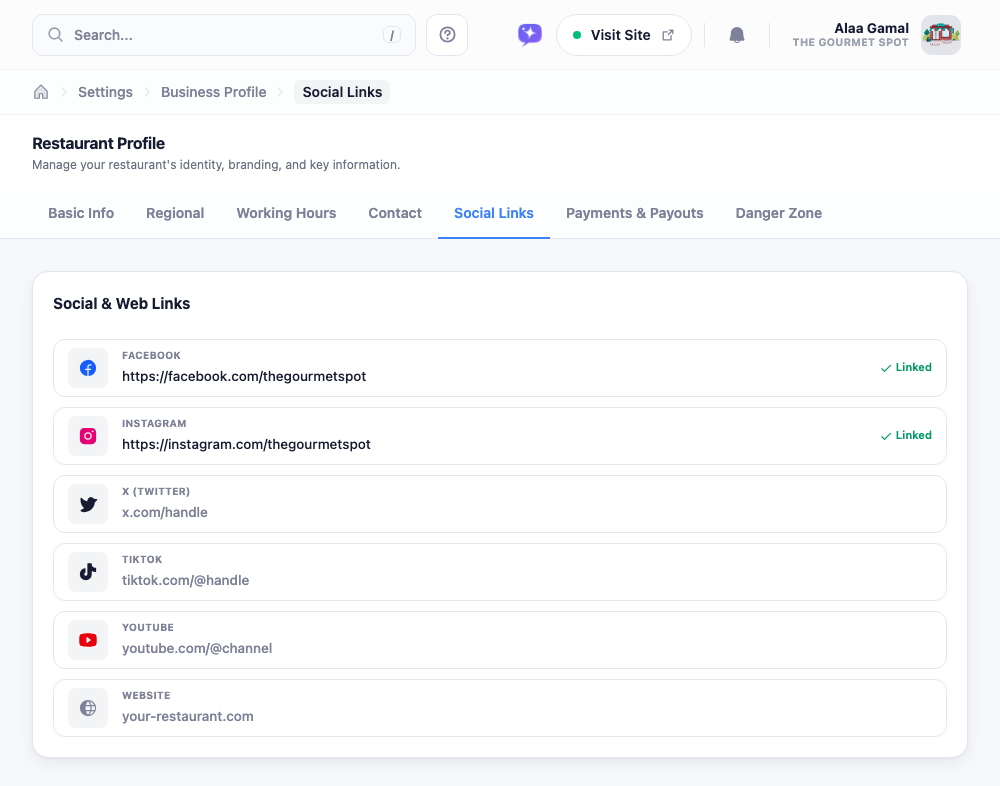
Paste the address of each profile into its row: instagram.com/yourplace, facebook.com/yourplace, and so on. There’s no login or account-connecting step; these are plain links, so you’re just telling your site where to point. A green Linked badge appears next to any row you’ve filled, and you can leave the rest blank. Only the ones you complete show up.
Skip a platform you don’t use rather than linking a dead account. An icon that leads nowhere does more harm than a missing one.