
Multilingual Menus: Serving Guests Who Don't Read Your Language
Tourists, expats, and visiting families order less and ask more when they can't read the menu. Here's how to run a second language properly — and why a digital menu makes it painless.
Multilingual Menus: Serving Guests Who Don’t Read Your Language
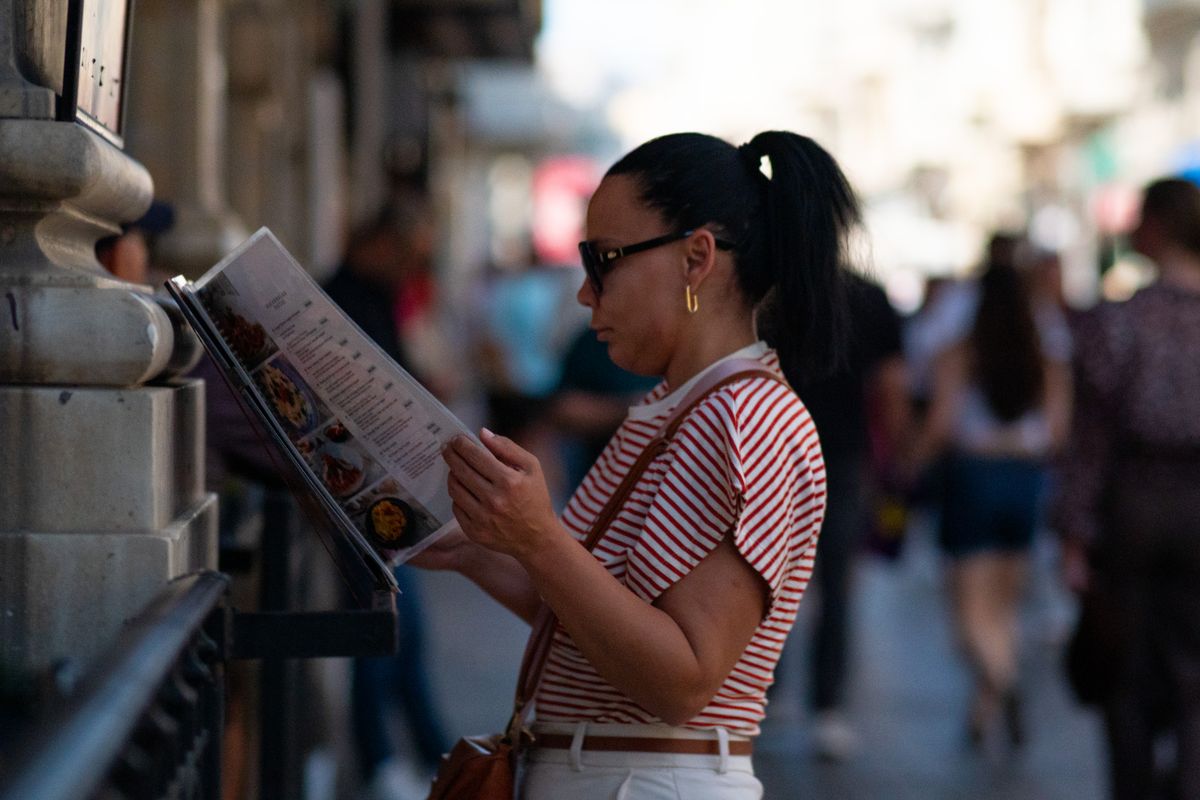
Watch what happens when a table of visitors gets a menu they can’t read. They go quiet. One of them starts typing dishes into their phone. They ask a lot of questions and get half-answers because your server is slammed. And then they order the one thing they recognise — the safest, usually cheapest item on the page — and skip the starter and the dessert entirely.
Nothing went wrong, exactly. Nobody complained. But you sold a fraction of what that table was willing to spend, your server lost ten minutes she didn’t have, and the guests spent the meal slightly on edge.
If you’re anywhere near tourism, a business district, a university, a hospital, or any neighbourhood with a mixed population, this is happening every week. A second language on your menu is one of the few changes that improves the guest experience and the average ticket at the same time.
What you’re actually losing
Order value. People order what they understand. Uncertainty pushes them to the familiar and the cheap, and it kills the add-ons — the side, the wine, the dessert — because nobody wants to gamble twice.
Staff time. Translating a menu verbally, table by table, is one of the biggest hidden time sinks in a service. It’s slow, it’s inconsistent, and it clogs your floor at exactly the moment you can least afford it.
Confidence. A guest who isn’t sure what’s arriving is a guest who can’t relax. That’s a worse meal even when the food is perfect, and it shows up later as a lukewarm review that mentions nothing specific.
Mistakes that matter. Dietary needs and allergies are where a language gap stops being an inconvenience. “No pork,” “no nuts,” “vegetarian” — these have to survive translation reliably, and gesture-and-hope is not a system.
The decision before they arrive. Most people now check the menu online before choosing where to eat. A visitor who lands on a menu they can’t read moves on to the restaurant whose menu they can. You never see that loss; it happens before you exist to them.
Which language, and how to choose
Don’t translate into five languages because you can. Each one is a maintenance burden forever, and half-maintained translations are worse than none.
Pick based on evidence. Who’s actually walking in? Ask your team which languages they get asked in most. Look at your area: is the tourist flow mostly from one or two countries? Is there a large expat or student community nearby? Then look at your own analytics — the browser language of visitors to your website tells you exactly what people trying to read your menu already speak.
For most restaurants the answer is your local language plus one, and that one is usually English, or the dominant language of your visitor flow. Get two done properly before considering a third.
Translate it like a menu, not like a document
Machine translation has got good enough to be dangerous. It produces fluent sentences that are confidently wrong about food, and menus are full of exactly the words it handles worst: regional dish names, cuts of meat, cooking methods, local ingredients that have no clean equivalent.
Some rules that keep it edible:
- Never publish a raw machine translation. Use it as a first draft if you like, then have a fluent speaker who knows food read every line. A member of staff, a regular, a friend — someone who will catch the dish that now reads like a medical procedure.
- Keep the original dish name, add an explanation. Don’t turn a named local dish into a literal translation of its parts. Keep the name, then explain it: Koshari — rice, lentils and pasta with tomato sauce and fried onions. The visitor learns the word, orders with confidence, and asks for it by name next time.
- Translate the ingredients, always. A guest can guess at a dish name; they cannot guess whether there’s pork stock in it. Ingredients, allergens, and dietary tags matter more than poetry here.
- Don’t lose the personality. If your descriptions have a voice, the translation should too. A flat, literal second version tells your visiting guests they’re getting the utility edition of your restaurant. Everything that makes good menu descriptions work applies in the second language as well.
- Get the dietary vocabulary exactly right. Halal, kosher, vegan, vegetarian, gluten-free — these carry different assumptions in different languages and cultures. This is the part to have checked twice.
Also think about how it reads, not just what it says. If your second language runs right to left — Arabic, Hebrew, Persian — the layout has to flip too, not just the words. Numbers, prices, and currency need to sit correctly, and text set in the wrong direction looks broken even to someone who can read it.
Why print makes this hard and digital makes it easy
The reason most restaurants avoid multilingual menus isn’t the translation. It’s the printing.
Two languages means double the print run, double the storage, double the cost, and — the real killer — double the reprint every single time you change a price or run out of something. So restaurants either print one bilingual menu so cramped nobody enjoys reading it, or they print the second language once, let it go stale, and quietly stop handing it out because the prices are wrong.
A digital menu removes the whole problem. One menu, a language toggle, and every guest reads it in the language they chose. Change a price once and both versions are correct instantly. Mark a dish unavailable and it disappears in both. There’s no reprint, no stack of outdated Version B in the drawer, no cost per additional language beyond writing it well the first time.
It’s also better before the meal. Your online menu is the one visitors read while deciding, and a QR menu on the table is the same content in the room. When a guest can open it on their own phone, in their own language, at their own pace, they read the whole thing — which is exactly when the starters and desserts start selling.
There’s a smaller benefit that adds up: a translated menu answers questions your servers currently answer. That’s minutes back on every table, and fewer half-answers given in a rush.
One menu, every language, always current
Lekro’s digital menu lets you publish your menu in multiple languages with a single toggle — update a price once and every version is right. Start free.
Make it easy to find, or it doesn’t exist
The last mile is the one people fumble. A translated menu nobody can find helps nobody.
Put an obvious language switcher at the top of your menu and your website — a clear label, not a tiny flag icon buried in a footer. Consider defaulting to the visitor’s browser language while keeping the switch visible, so a guest lands in their own language without hunting for it. Tell your team it exists and how to point at it, because “you can read it in English here” delivered in the first ten seconds changes the entire meal for that table. And keep the second language current: when you update the menu, update both, or you’ve recreated the stale-print problem on a screen.
Do that, and a visiting table stops being a slow, low-spend, high-effort table. They read the whole menu, they order with confidence, they ask about the dish they now know the name of — and they tell the next group of visitors where to go.
Tags