
Table QR Ordering: How to Set Up Scan-to-Order Without Annoying Your Guests
Scan-to-order can speed service, lift spend, and free your staff — or feel cold, clunky, and impersonal. The difference is all in the setup. Here's how to do it right.
Table QR Ordering: How to Set Up Scan-to-Order Without Annoying Your Guests
Scanning a QR code at the table to browse, order, and pay from your own phone started as a pandemic stopgap and quietly became a permanent fixture. When it’s set up well, it’s a genuine upgrade: guests order the moment they’re ready instead of waiting to flag someone down, they spend a little more, mistakes drop, and your staff are freed from order-taking to do actual hospitality. When it’s set up badly, it’s the opposite — cold, clunky, confusing, and impersonal, the thing people complain about.
The technology is the same in both cases. The entire difference lives in the setup and the experience design. So this isn’t an argument for whether QR ordering is worth it — plenty has been written on why QR menus became the norm. This is a practical guide to setting up scan-to-order so it delights guests instead of irritating them.
First, decide what you’re actually building
“Scan-to-order” covers a spectrum, and picking the wrong point on it is the first mistake. Get clear on two questions before anything else:
- View, or order? Scan-to-view just shows the menu on the guest’s phone; a server still takes the order. Scan-to-order lets the guest order — and sometimes pay — themselves. These are genuinely different experiences with different staffing implications. Decide which one fits your restaurant.
- Everywhere, or selectively? It doesn’t have to be all-or-nothing. Some restaurants use full self-order at every table; others use it only for drinks and extras, or only on the terrace, or only at peak times, while staff handle the rest. Scan-to-order can complement your team rather than replace them.
There’s no single right answer — a busy café and a full-service restaurant will land in different places. What matters is choosing deliberately instead of switching on a default.
Why guests hate some QR ordering
Before the how-to, it’s worth being honest about why scan-to-order gets a bad rap, because every failure mode is avoidable:
- It made them download an app. The single fastest way to lose a guest at the table. Nobody wants to install software to order a coffee.
- It replaced all human contact. When scanning a code becomes the only way to interact and no one comes to the table at all, it feels cold and cost-cutting, not convenient.
- It was clunky or slow. A page that loads slowly, is hard to navigate, or breaks on their phone turns a convenience into a chore.
- It demanded too much. Forced account creation, endless steps, a login just to order — every extra tap sheds guests.
- There was no way out. No human alternative for the person who can’t or won’t scan.
How to set it up right
- Make it utterly frictionless — no app, ever. It must open straight in the phone’s browser from a scan, load fast, and work on any device. The goal is menu-on-screen in two seconds, zero downloads, zero logins to browse. Every second and every tap between the scan and the menu costs you orders.
- Keep the human touch. The best scan-to-order setups complement hospitality, they don’t delete it. Someone should still greet the table, check in, and be reachable. Let the phone handle the transactional part so your staff can handle the human part — and always offer a way to order the old-fashioned way.
- Design the menu for the screen, not as a PDF. This is where scan-to-order earns its keep. Real photos, appetizing descriptions, clear categories, easy modifiers, and dietary tags turn the menu into your best, tireless salesperson. Suggested add-ons and pairings do the average-order-value work a busy server often forgets — without any pressure on the guest.
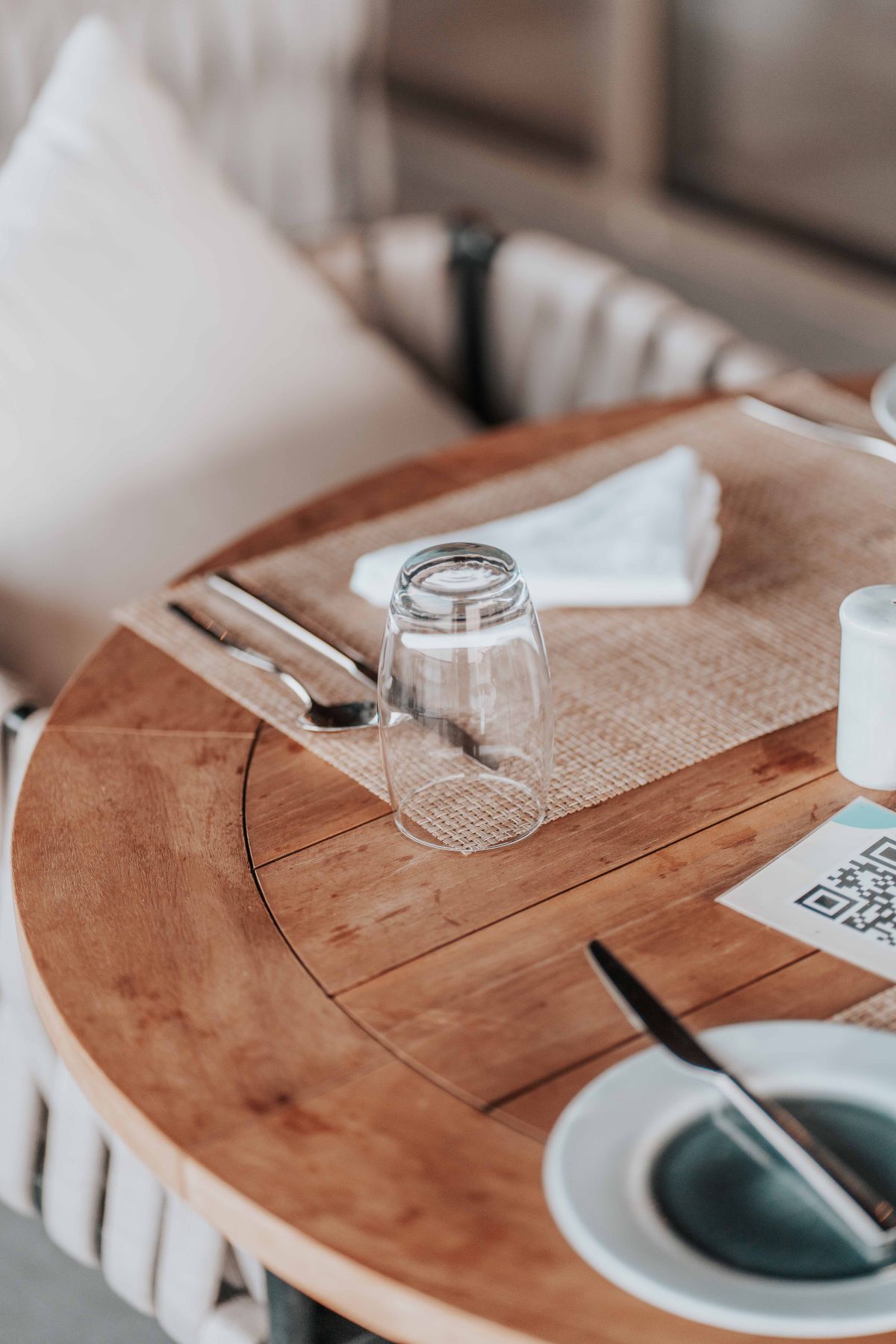
- Place and label the code clearly. A clean table stand with an obvious “Scan here to order” instruction. Don’t make guests hunt for it or guess what it does. Clarity at the table removes the confusion before it starts.
- If you take payment, make it optional and effortless. Let guests pay by phone if they want, but never trap them in a mandatory account or a clumsy checkout. Easy in, easy out.
- Keep it accurate and live. Mark sold-out items unavailable the instant they run out, and keep prices current. A digital menu that’s out of date is worse than a paper one, because guests trusted it to be right.
- Test it yourself, as a guest. Sit at your own table, scan your own code, and order on your own phone. You’ll find the friction your guests would have found — before they do.
What you’re really setting up
Here’s the shift in thinking that makes all of this worth it: scan-to-order isn’t a paper menu moved onto a screen. Done right, it’s a salesperson that never gets tired, never forgets to suggest a side, and never mistypes an order. Because it’s digital, it can carry photos and dietary information, suggest the add-on that lifts the check, update the instant a price or availability changes, and quietly hand you data on exactly what’s selling. That’s the difference between scan-to-order as a cost-cutting downgrade and scan-to-order as a real upgrade to the experience and the economics.
Set up scan-to-order the right way
Lekro gives you browser-based scan-to-order — no app, fast, with photos, dietary tags, and built-in upsells — that complements your staff instead of replacing them. Start free.
The tech is the easy part
Nobody complains about scan-to-order because the underlying technology is bad — they complain because someone set it up to be cold, clunky, or demanding. The hard part was never the QR code; it’s the experience you wrap around it. Make it instant and app-free, keep your people present and warm, design the menu to sell and inform, and test it through a guest’s eyes. Get that right, and table ordering stops being the thing people tolerate and becomes the thing that quietly makes your service faster, your checks bigger, and your staff freer to do what a phone never can.
Tags