
Accepting Payments and Payouts
Connect a Stripe account so customers can pay online and money lands in your bank.
Dashboard only
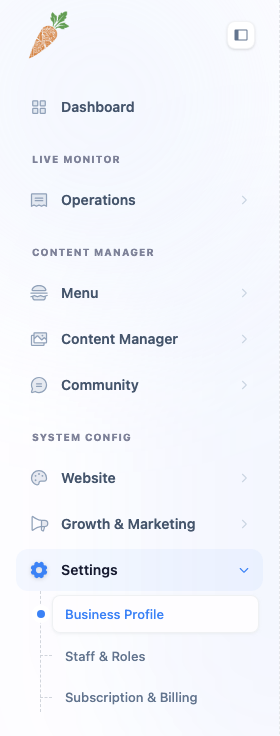
If you want customers to pay online rather than only at the counter, the Payments & Payouts tab is where you switch that on. Lekro handles online payments through Stripe, so this tab is really about connecting your restaurant to a Stripe account that collects the money and pays it out to your bank.
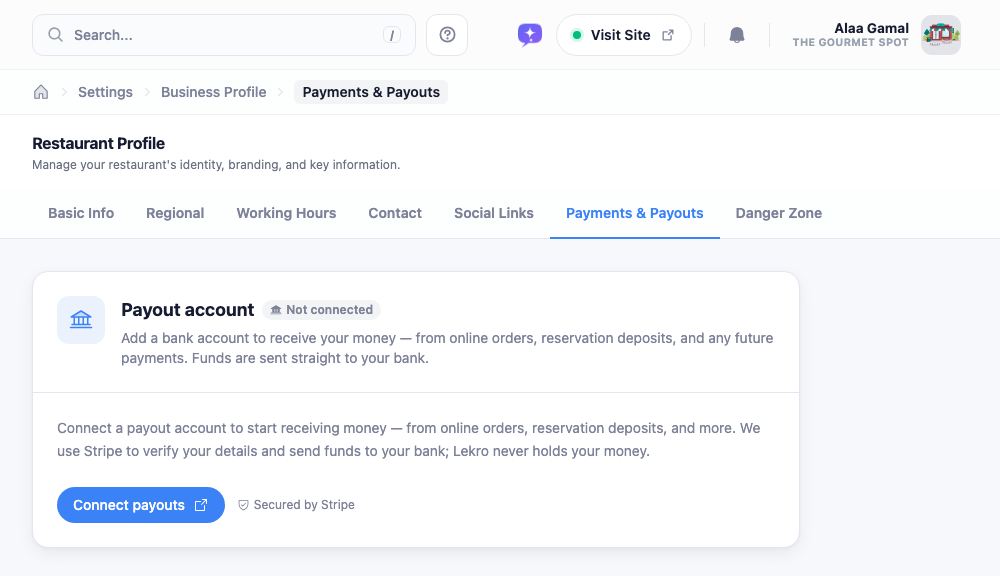
Connecting
Click Connect payouts and you’ll be handed over to Stripe’s own onboarding, hosted on their side. They’ll ask for the usual business and banking details: who you are, your bank account, the bits they’re legally required to verify. When you finish, Stripe sends you back here.
There’s nothing to fill in on Lekro’s side. We don’t see or store your card or bank details; Stripe holds all of that, and the card notes it’s Secured by Stripe.
Reading the status
Back on the tab, a badge tells you where things stand:
- Not connected: you haven’t started yet.
- Setup incomplete or Action needed: Stripe still needs something from you. When it says Action needed, there’s usually a short list of outstanding items; clearing them flips you to active.
- Payouts active. You’re good. Two indicators confirm the important parts are on: Accept payments (you can take payments) and Receive payouts (money can reach your bank).
You can come back any time to update your details. The button now reads Update payout details and reopens Stripe’s portal.
Two things worth keeping straight. This is not the same as your Lekro subscription: that’s billed separately under Subscription & Billing. And turning payments on here is what unlocks the deposit and online-ordering settings elsewhere in the dashboard; without a connected, payout-active account, those can’t collect money.