
SEO and Online Presence
Control how your restaurant appears on Google and in shared links, titles, keywords, share images, and structured data.
Dashboard only
What appears when someone searches your restaurant, and what unfurls when your link is pasted into WhatsApp, is generated mostly from your menu and profile. Marketing → Online Presence is where you check that output and improve it.
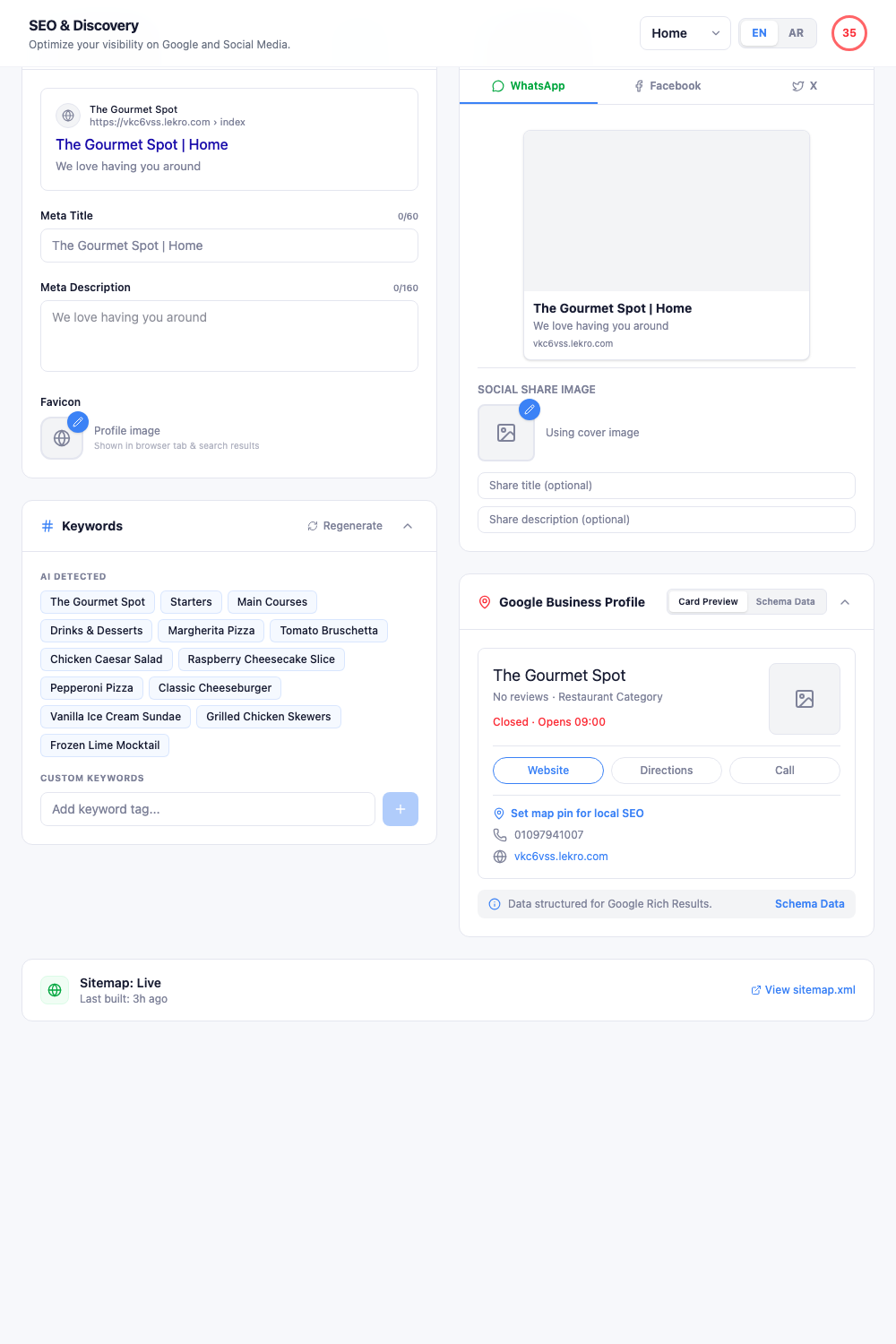
Note: The settings here are per page and per language. Switching either selector at the top changes what you’re editing. A bilingual site with a tuned English homepage and an untouched Arabic one is the most common way this goes wrong, the score at the top is also per combination, so check both.
Search appearance
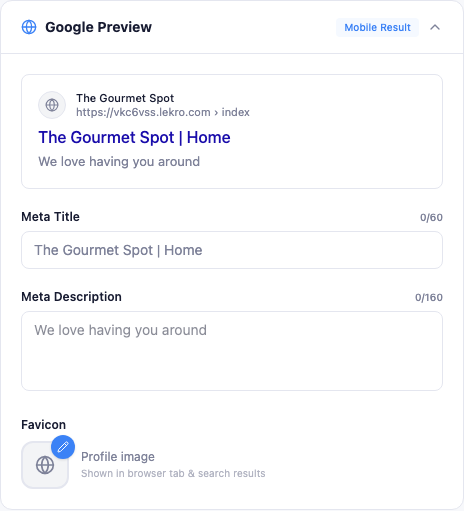
- Meta Title: the clickable headline, with a 60-character counter. Leave it blank and Lekro composes one from your restaurant and page name.
- Meta Description: the grey summary, counter at 160. Aim for 80–160 characters that give someone a reason to click.
- Favicon: the tab icon, defaulting to your profile image.
Titles and descriptions are worth writing by hand for your Home and Menu pages at minimum. Those are the two that actually get searched for.
Keywords
Keywords aren’t generated until you ask. Click Regenerate and Lekro reads your menu and profile to produce a list, dish names, categories, cuisine.
Re-run it whenever the menu changes substantially. Then add custom keywords for things your menu doesn’t say outright: “rooftop dining”, “halal”, your neighbourhood name, “open late”. These are the terms people search that no dish name contains.
Social preview
This is the card people see when your link is shared. Tabs let you check WhatsApp, Facebook, and X separately, since each crops differently.
The share image defaults to your cover image. You can also set a share title and description distinct from the search ones.
Tip: The share image is the single highest-impact field on this page. A hero dish or your dining room gets links tapped; a logo on a white background does not.
Google Business Profile
The knowledge-panel preview mirrors the box Google shows beside search results: name, rating, hours, address, phone.
Lekro also generates schema data: the machine-readable version search engines and AI assistants read. The Schema Data tab shows it, with a copy button.
Set map pin is the one manual step worth doing: it’s what puts you in local “near me” results. Without it, you’re relying on a text address alone.
Sitemap
The sitemap tells search engines what pages exist, and rebuilds itself as your site changes. The status row shows when it was last built, with a View sitemap.xml link.
On a brand-new site it reads “will be generated on next publish”: that’s expected, not an error. Publish anything and it appears.
The short version
Most of this runs itself. The parts genuinely worth your time:
- Write title and description for Home and Menu.
- Regenerate keywords, then add a few of your own.
- Choose a share image that shows food.
- Set the map pin.
- Repeat steps 1–3 for each language you publish in.
Save when the bar appears at the bottom.